

AutoSkip
Skip Ads Automatically. Enjoy More.
AutoSkip helps you skip available ads and close supported ad pop-ups in compatible apps.

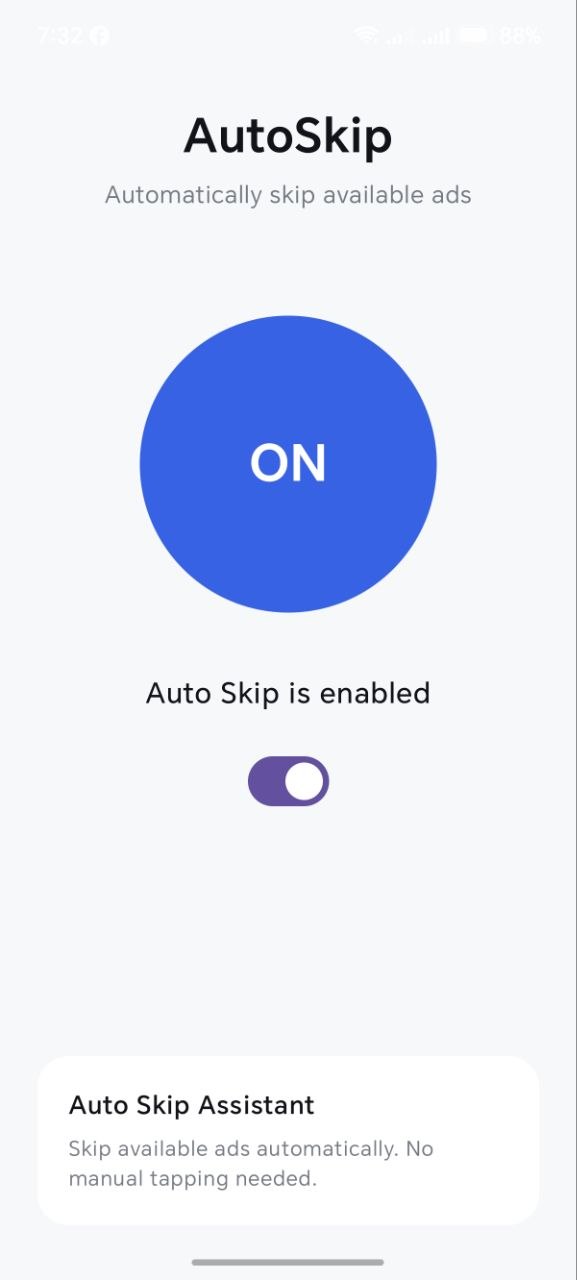
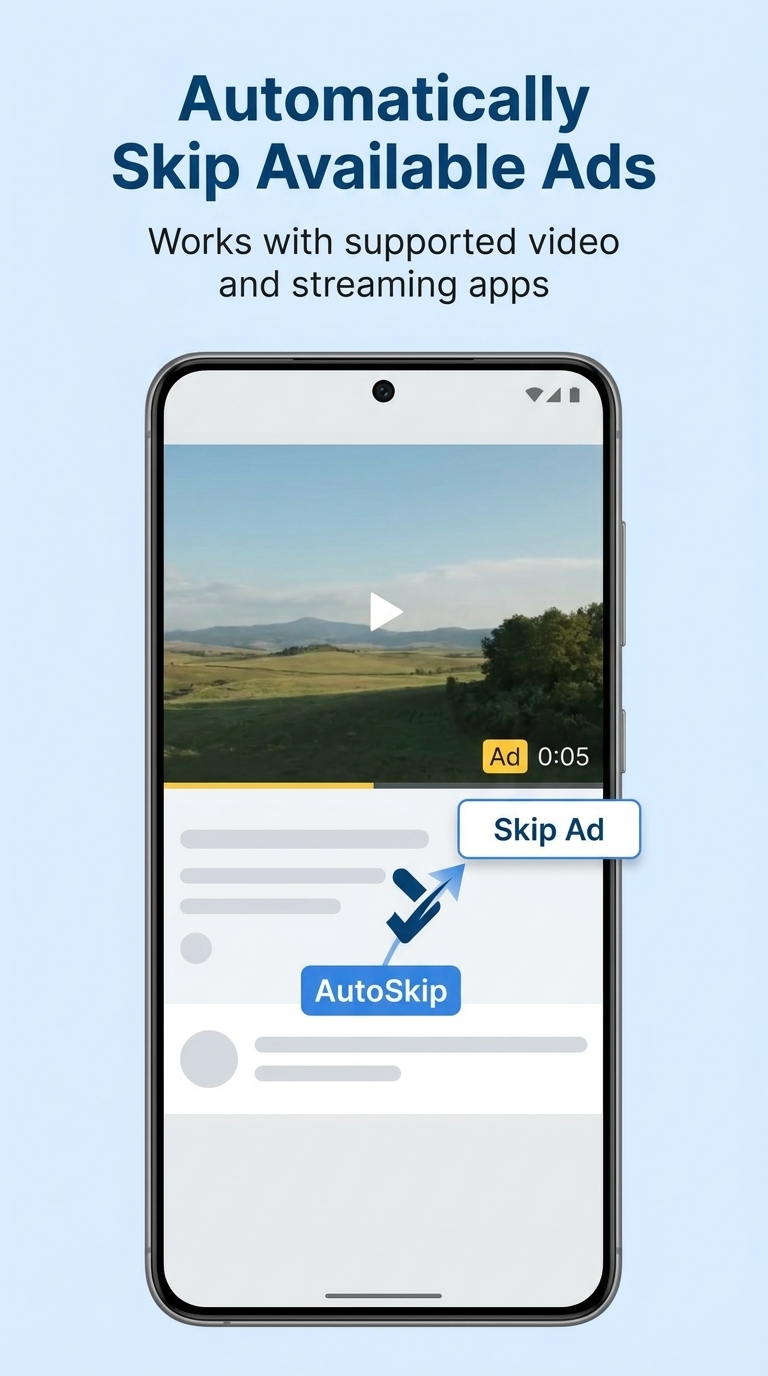
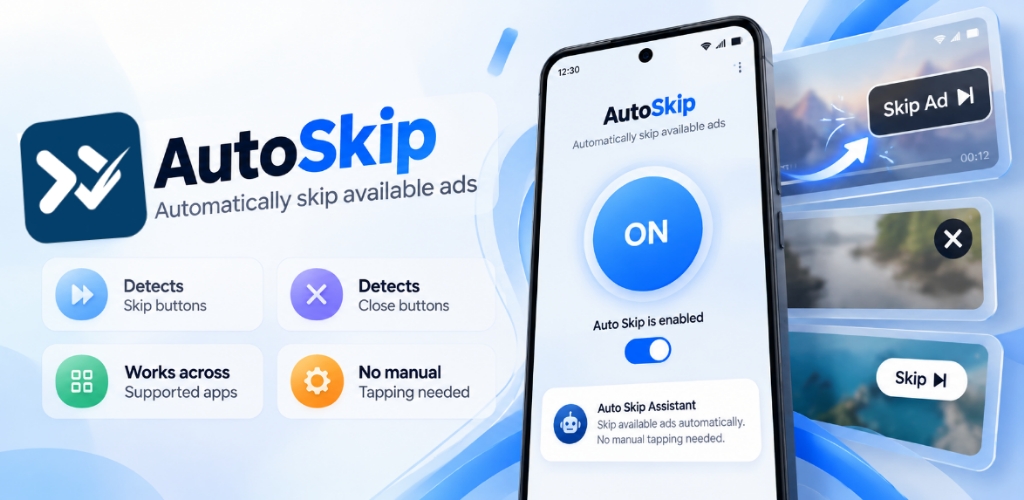
Automatic ad skipping
Close ad pop-ups (X)
Works across supported apps

100% Free & Ad-Free Experience
Enjoy AutoSkip completely free, with no ads displayed by AutoSkip itself. No subscription fees or hidden charges—just a simple utility designed to make your everyday viewing experience more convenient.
Automatic Ad Skipping
Automatically detects available Skip Ad buttons in supported apps and attempts to tap them using Android Accessibility Service.
Effortless Viewing Experience
Free & Ad-Free Experience
Privacy Comes First
Close ad pop-ups (X)
Helps detect and close supported ad pop-ups by identifying available close (×) buttons, reducing the need for manual taps when compatible.
Effortless Ad Skipping
Smart Pop-up Closing
Smart Pop-up Closing
Lightweight Android Utility
A focused Android utility built around its core ad-skipping functionality without unnecessary complexity.

One-Tap ON/OFF Control
Enable or disable AutoSkip quickly whenever you need it, using a simple control.

Simple Setup, Easy to Use
Follow straightforward setup instructions and manage AutoSkip without unnecessary complexity.

Designed for Everyday Convenience
A focused Android utility designed to make supported ad-skipping actions more convenient.
What Users Say About AutoSkip
Discover what users think about AutoSkip. We value honest feedback and continuously work to improve the app, its usability, and compatibility with supported Android apps. Your feedback helps us make AutoSkip better.
The app has a simple interface and a useful idea. I hope future updates improve compatibility with more apps.

sami fardeen
Oct 9, 2026
Easy to understand and straightforward to set up. A promising utility for Android users.

Ashiq rahman
Sep 28, 2026
I like the clean design and focused functionality. Looking forward to seeing more improvements in future versions.

jack
Sep 14, 2026
FAQs about AutoSkip
Browse the most frequently asked questions that you may interested in.
What is AutoSkip?
AutoSkip is an Android utility that attempts to skip available ads in supported apps.
How does AutoSkip work?
AutoSkip uses Android’s Accessibility Service to detect visible supported controls (like Skip/Close buttons) and perform the tap action for you.
Why does AutoSkip require Accessibility permission?
Accessibility permission is needed so AutoSkip can see supported on-screen controls and trigger the Skip/Close action. Because Accessibility is sensitive, Android may show extra warnings or apply restrictions depending on how the app was installed.
Does AutoSkip use a VPN or access my personal data (contacts, photos, SMS, camera, microphone, location)?
According to the official description, AutoSkip does not use a VPN and does not require access to contacts, photos, SMS, camera, microphone, or location.
How do I install and enable AutoSkip?
Install the APK, then enable the AutoSkip Accessibility service (typically via Settings → Accessibility → AutoSkip → Enable). After that, turn AutoSkip ON in the app and it will act on supported Skip/Close controls.
What are the requirements to use AutoSkip (YouTube-focused version)?
For the open-source YouTube-focused AutoSkip release, the stated requirements include Android 8.0+ and the official YouTube app.
Why isn’t AutoSkip available on Google Play?
Sources note that Google Play policy prohibits apps that block or interfere with other apps’ ads and also scrutinizes AccessibilityService use. Skipping ads may also violate YouTube’s Terms. As a result, the YouTube ad-skipping AutoSkip is distributed as an APK (e.g., via GitHub Releases) rather than on the Play Store.
Is there a way to enable AutoSkip’s Accessibility service without going through Settings?
One source states that with USB debugging enabled and Android platform-tools installed on a PC, a provided script (instalar-en-movil.bat) can install AutoSkip-1.1.apk and enable the Accessibility service via ADB instead of manually toggling it in Settings.
Ready for a Smarter Viewing Experience?
Download AutoSkip for free and make supported ad-skipping actions more convenient. Get started today with a simple Android utility designed for everyday use.
Let's keep in touch!
Subscribe to our newsletter for the latest news and updates.
By subscribing, you agree to AutoSkip Privacy Policy.